Key Takeaways
Learning how to use dehumidifier units effectively can transform your indoor climate and protect your belongings from moisture damage. Use these five strategies to maximize your device performance in humid environments:
- Position the unit in a central location to encourage balanced airflow throughout your home.
- Maintain 30-50% relative humidity to prevent mold and dust mite proliferation effectively.
- Perform regular filter maintenance to ensure the internal components operate without unnecessary resistance.
- Keep doors and windows closed whenever the device runs to concentrate its drying power within the space.
- Utilize your machine continuously for the first few days to stabilize the moisture levels before switching to automatic settings.
Understanding how your dehumidifier works
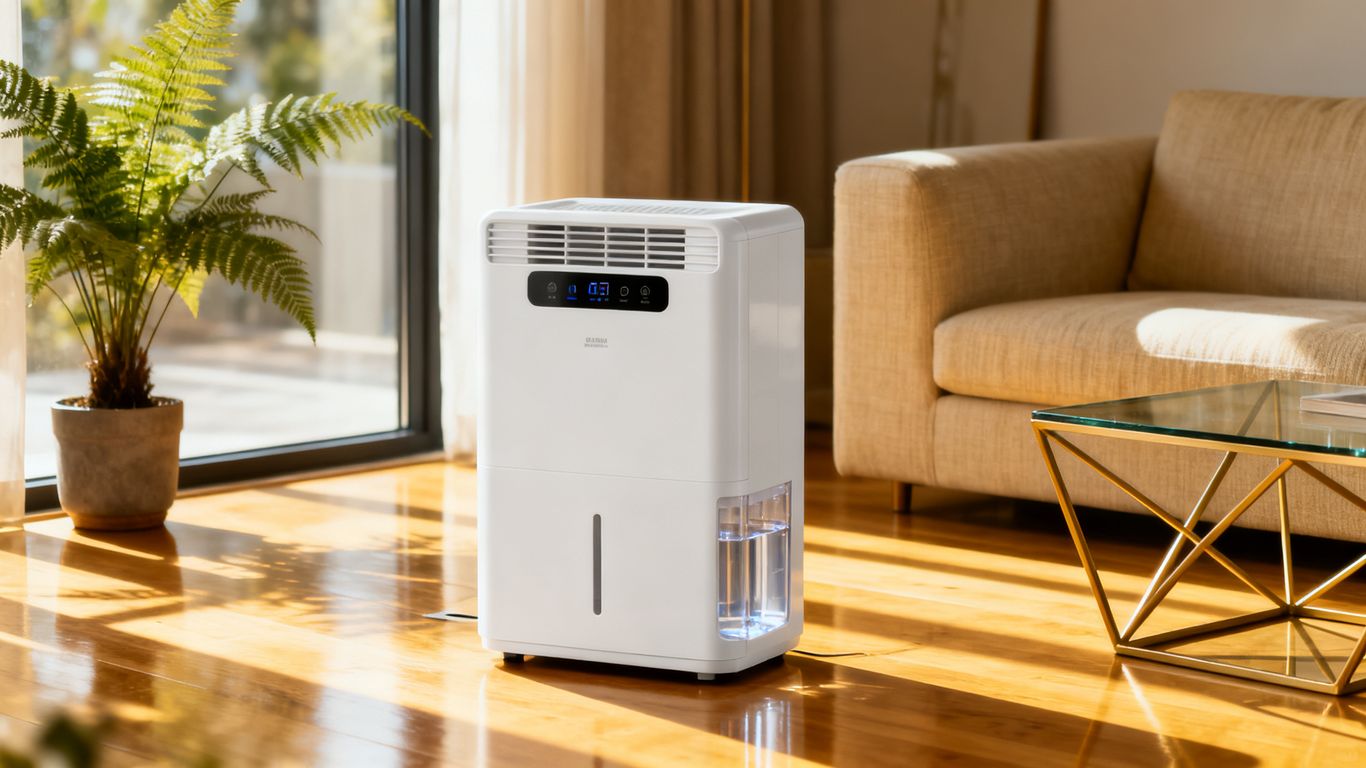
Modern moisture control appliances rely on refrigeration cycles that draw in ambient air, pass it over cold coils, and condense the water into a collection reservoir. Understanding the core tech, such as the rotary compressor used by the DualCore 20 from Aerofy, provides insight into why these machines operate with specific cooling and venting requirements. By capturing water before it settles on your walls or fabrics, you prevent the conditions that lead to structural deterioration.
The mechanics of moisture extraction
Moisture is primarily removed as warm air is pulled through an evaporator coil. This chilling process forces water vapor into a liquid state, which then drains into a tank. Because the DualCore 20 is purpose-built for the tropics, it effectively separates humidity from the air even in high-heat conditions that would challenge generic models.
Choosing the right operating mode for your environment
Most advanced units offer specific settings like continuous drying, laundry mode, and smart humidity targeting. Selecting the correct mode ensures your device remains energy-efficient while managing specific humidity spikes throughout your home.
Interpreting internal hygrometer readings
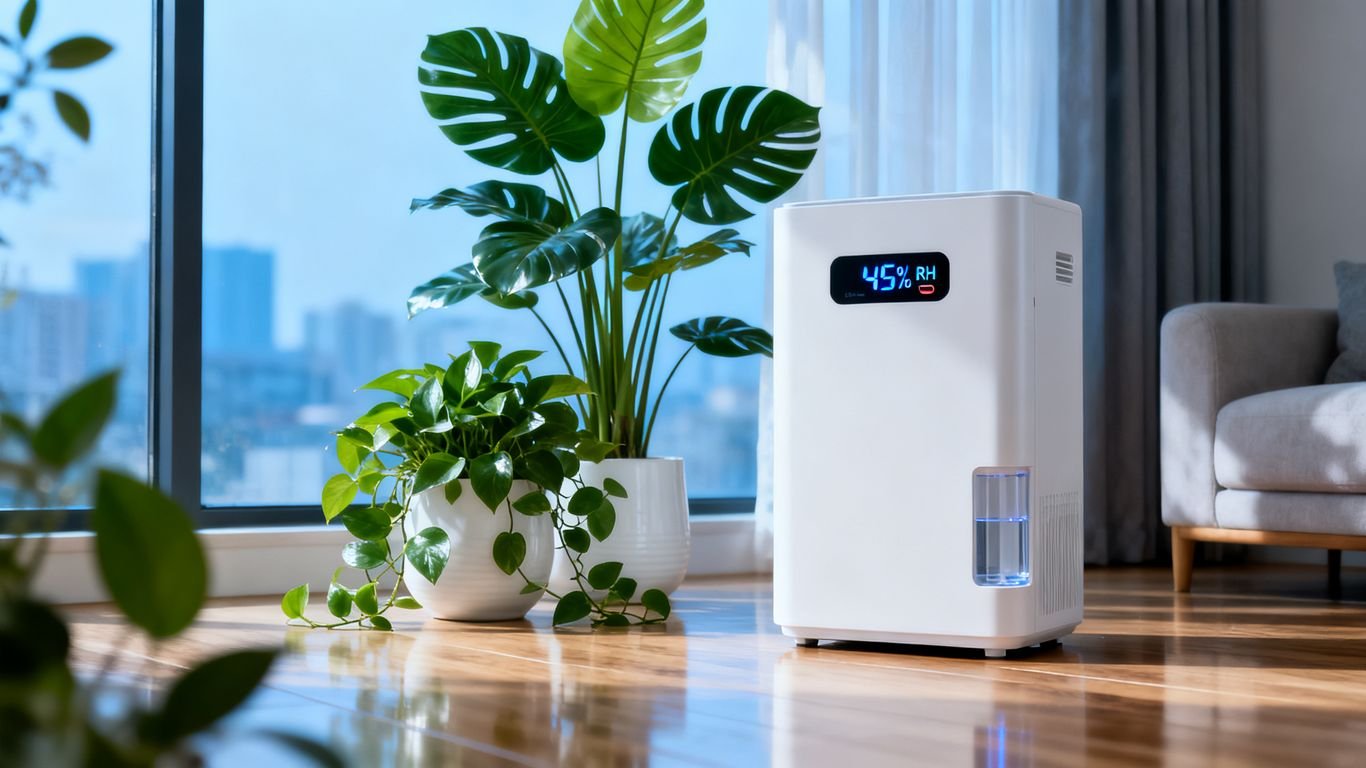
Your unit often contains a built-in sensor to detect ambient moisture percentages. Checking these internal hygrometer readings helps you decide when to ramp up extraction or when the system has successfully hit the target zone.
Finding the optimal placement for maximum performance
Effectively maneuvering your appliance requires identifying spots where moisture stagnates while respecting the space needs of the device. Following a structured placement strategy ensures your system draws air efficiently without obstruction. Using the right techniques when positioning portable dehumidifiers allows the motor to run smoothly, avoiding premature wear and tear.
Positioning for centralized airflow
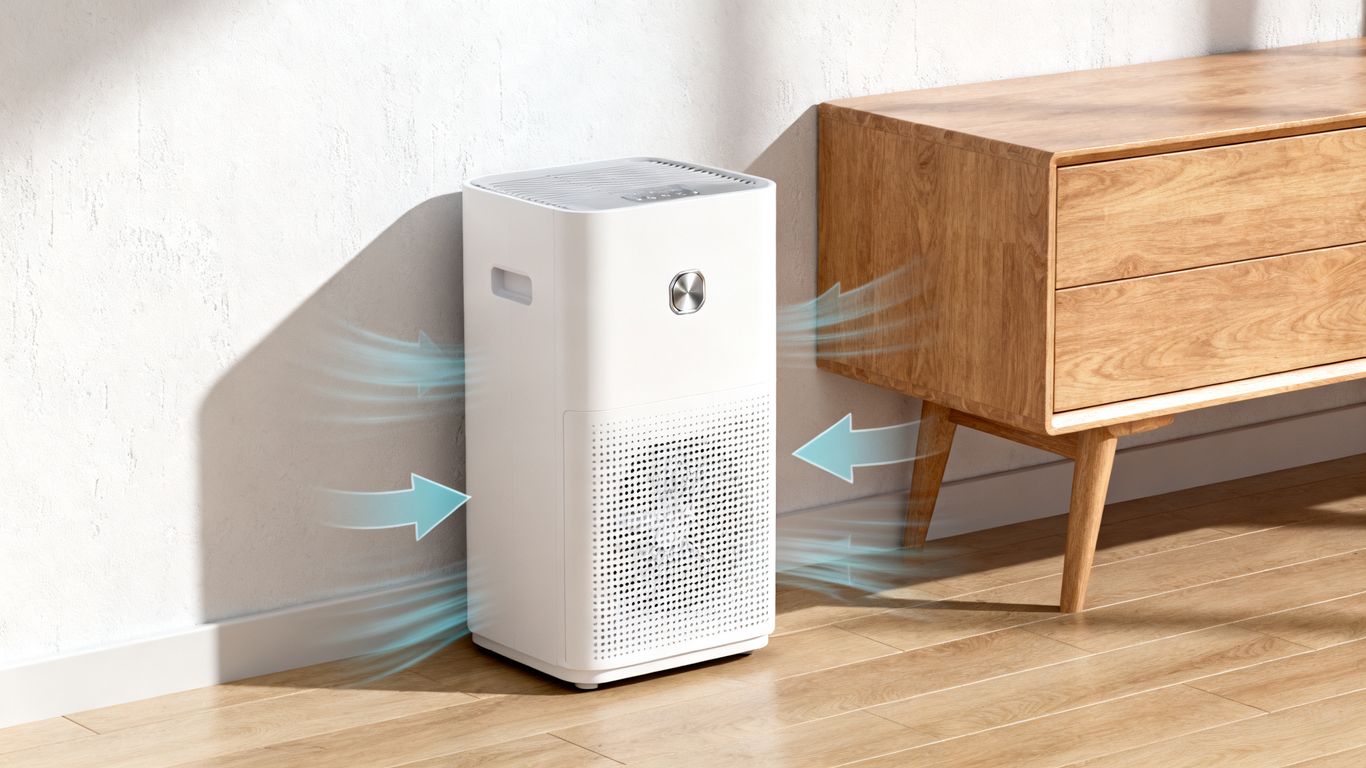
Placing your device centrally on a landing or in an open area helps it circulate air effectively, turning it into a silent guardian for every room. If you want to maximize moisture reach in larger spaces like the Arete system does, avoid trapping the machine in tight corners where it cannot breathe.
Required distance from walls and furniture
To ensure peak performance, you must provide enough clearance for the intake and exhaust vents to function without restriction. Follow this recommended clearance guide to maintain device longevity:
- Rear intake: Keep at least 30cm away from the wall to prevent backpressure.
- Side vents: Maintain at least 20cm clearance from curtains or furniture.
- Top output: Ensure no physical barriers exist directly above the exhaust stream.
Following these simple spacing requirements prevents your fan motor from overworking while it tries to process incoming air.
Avoiding areas with high dust or debris
Air quality is a major factor in how efficiently your internal coils handle the moisture-laden environment. Locating your device away from heavy traffic lanes where dust, hair, or lint collects prevents clogging of the filter and keeps your air dehumidifier running longer between cleanings.
Setting the correct humidity levels
Monitoring your indoor humidity is the most effective way to balance your comfort levels against your electricity usage. By targeting levels specifically designed for your climate, you prevent the air from becoming too dry, which causes respiratory issues or skin irritation, while still suppressing mold growth.
Determining ideal indoor humidity percentages
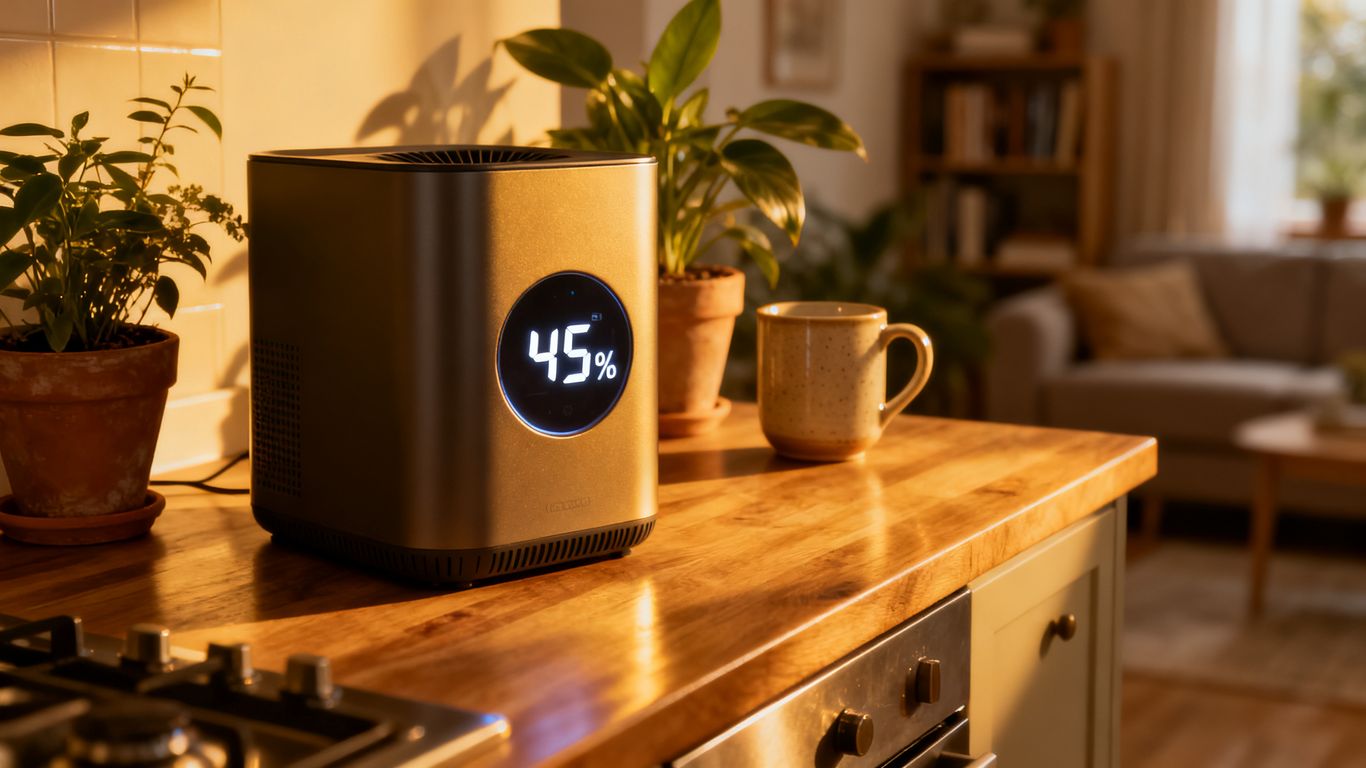
Aiming for a range between 40% and 50% is generally perfect for residential settings. This specific range effectively inhibits dust mites and mold spores without creating an arid environment that could trigger dryness.
Adjusting settings for seasonal climate changes
Humidity fluctuates wildly between storm-heavy wet seasons and drier periods. You may need to monitor your home climate more closely as the moisture density changes, adjusting your target set-point by 5% increments to match external triggers.
Balancing comfort versus energy consumption
Finding the sweet spot between efficiency and humidity control often involves understanding your monthly utility costs. Here is how your appliance settings generally correlate with energy output during typical operation:
| Setting Mode | Humidity Target | Energy Demand |
|---|---|---|
| High Intensity | 35% | High |
| Balanced Mode | 45% | Moderate |
| Energy Saver | 55% | Low |
Selecting a balanced humidity target allows you to keep the air fresh while preventing the compressor from running at maximum capacity constantly.
Maintenance steps for long-term efficiency
Proper care for your machinery ensures that the internal components stay clean and functional for years. Aerofy emphasizes that consistent maintenance of the filtration system is paramount, as an obstructed filter directly hinders air intake and reduces the overall dehumidifying efficacy of the unit.
Cleaning or replacing the air filter
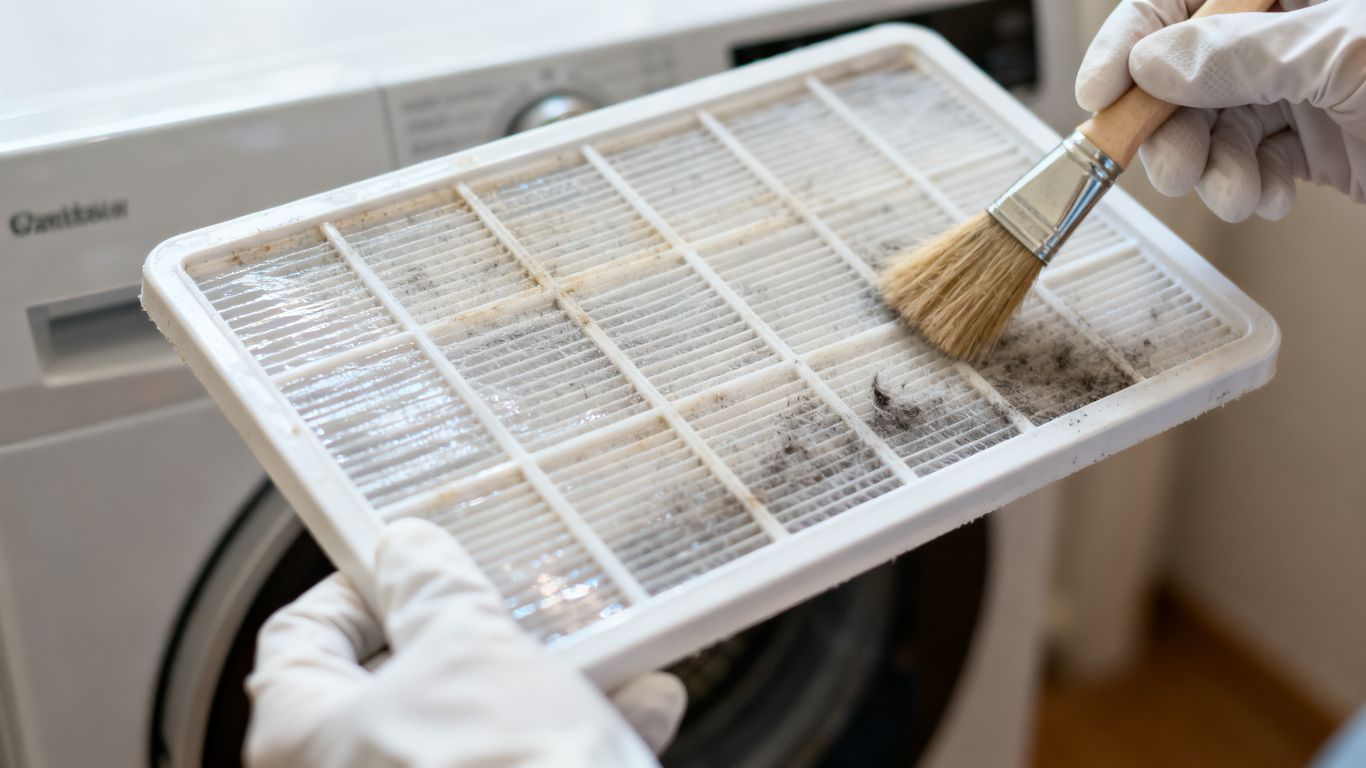
Dust accumulation on your primary filter is the number one cause of reduced performance. Vacuuming or washing the mesh screen every two weeks keeps the air moving freely over the coils.
Emptying and sanitizing the water collection tank
Regularly emptying the reservoir prevents algae buildup and keeps the unit smelling fresh and clean. Make it a daily ritual to empty the collected water so the machine performs at its best whenever you need it most.
Clearing internal coils of dust and frost buildup
Over time, dust can migrate past filters and settle on the refrigeration coils. Carefully inspecting these metal fins ensures that heat exchange remains optimal and your moisture removal stays consistent throughout the life of the product.
Troubleshooting common operating issues
Even with the best hardware, you may eventually encounter operational hiccups that require quick fixes. When your machine seems to be struggling, it often signals a simple environmental factor rather than a mechanical failure.
Dealing with short cycling problems
Short cycling—when the unit turns off and on rapidly—usually happens if the humidity target is set too close to the current ambient moisture level. Try setting the humidity target slightly lower to allow the machine to run for longer periods without hitting the auto-off trigger too quickly.
Addressing unusual noises during operation
If you hear rattling or metallic clicks, check that the unit sits perfectly level. Even a slight tilt can cause internal vibrations or prevent the drainage system from functioning properly.
Resolving failure to collect water
Scenario Time: Imagine you walk into your living room expecting a full tank after a long day of rain, but the reservoir is bone dry and your skin feels sticky. Instead of panicking, confirm that windows are shut tight, as the machine cannot win the battle against outdoor moisture entering your home. If the tank is empty despite high humidity, your optimal humidity range settings might be too high, preventing the compressor from kicking into its drying cycle.
Conclusion
Mastering your device ensures a healthier, dryer home environment while extending the lifespan of your property and appliances. For those seeking a personalized quote for advanced moisture control, reach out to professional teams today.
Frequently Asked Questions
Can a dehumidifier replace an air conditioner?
No, while they both remove moisture, dehumidifiers do not provide the active cooling power required to change the actual room temperature effectively.
Is it safe to leave my dehumidifier on while at work?
Yes, most modern units are designed to run safely while unattended, provided they are placed on level surfaces and have enough ventilation.
How often should I clean the filter?
Aim to clean your filter at least twice a month if you notice high dust levels, or once every month for standard environments.
Why does the air coming out feel warm?
This is a standard part of the refrigeration process where the machine releases heat absorbed by the compressor during the drying stage.
Does running a dehumidifier change my electricity bill?
Yes, running any high-impact appliance will increase energy consumption, though using an inverter-based model can help keep costs more manageable.
Should I empty the tank even if it is not full?
Emptying the tank regularly helps prevent stagnant water buildup and keeps your machine’s interior environment hygienic and odor-free.
What happens if the room gets too dry?
If the humidity drops consistently below 30%, you may experience dry skin, irritated sinuses, or cracks in wooden furniture and flooring.