Key Takeaways
Learning how to use a dehumidifier is essential for maintaining a balanced indoor climate, protecting your property from dampness, and improving your overall respiratory health.
- Maintain relative humidity levels between 30% and 50% for optimal comfort.
- Place your unit centrally or near known moisture sources for maximum efficacy.
- Clean your air filters regularly to ensure efficient circulation and performance.
- Utilize continuous drainage options if you prefer not to empty the bucket manually.
- Verify optimal clearance around your device to allow the refrigeration cycle to function without obstruction.
Setting up your dehumidifier correctly
Unboxing and initial setup steps
When you first arrive home with your new unit, begin by placing it on a flat, stable surface in your living area. Remove all packaging materials, including any tape holding flaps shut, to ensure that air intake and exhaust vents remain unblocked. Carefully read the setup manual provided to familiarize yourself with the specific control panel interface, which serves as the brain for your moisture management system.
Checking the water tank and drainage hose
Before you power up your device, verify that the collection tank is pushed firmly into its designated slot. If you plan to use a hose for continuous drainage, ensure the outlet port is clear of any debris and that the hose itself is positioned to lead downward towards a floor drain or sink. A blocked or incorrectly positioned tube will prevent proper water flow, negating the unit’s core purpose of keeping your space dry.
Calibrating digital hygrometer settings
Most modern machines allow you to dial in specific humidity targets using an integrated digital display. Rely on a wall-mounted hygrometer to double-check that the built-in sensor accurately reads your room’s environment. Having perfectly balanced moisture levels is critical for both the longevity of your furniture and your respiratory comfort.
Understanding safety power requirements
Safety is paramount when operating electrical appliances designed for high-moisture environments. Always plug your unit into a grounded, wall-outlet power source rather than relying on extension cords, which often fail under the sustained load required for compressor operation. Ensure that your outlet is rated for the correct voltage to prevent potential circuit overloading.
Determining the optimal humidity level
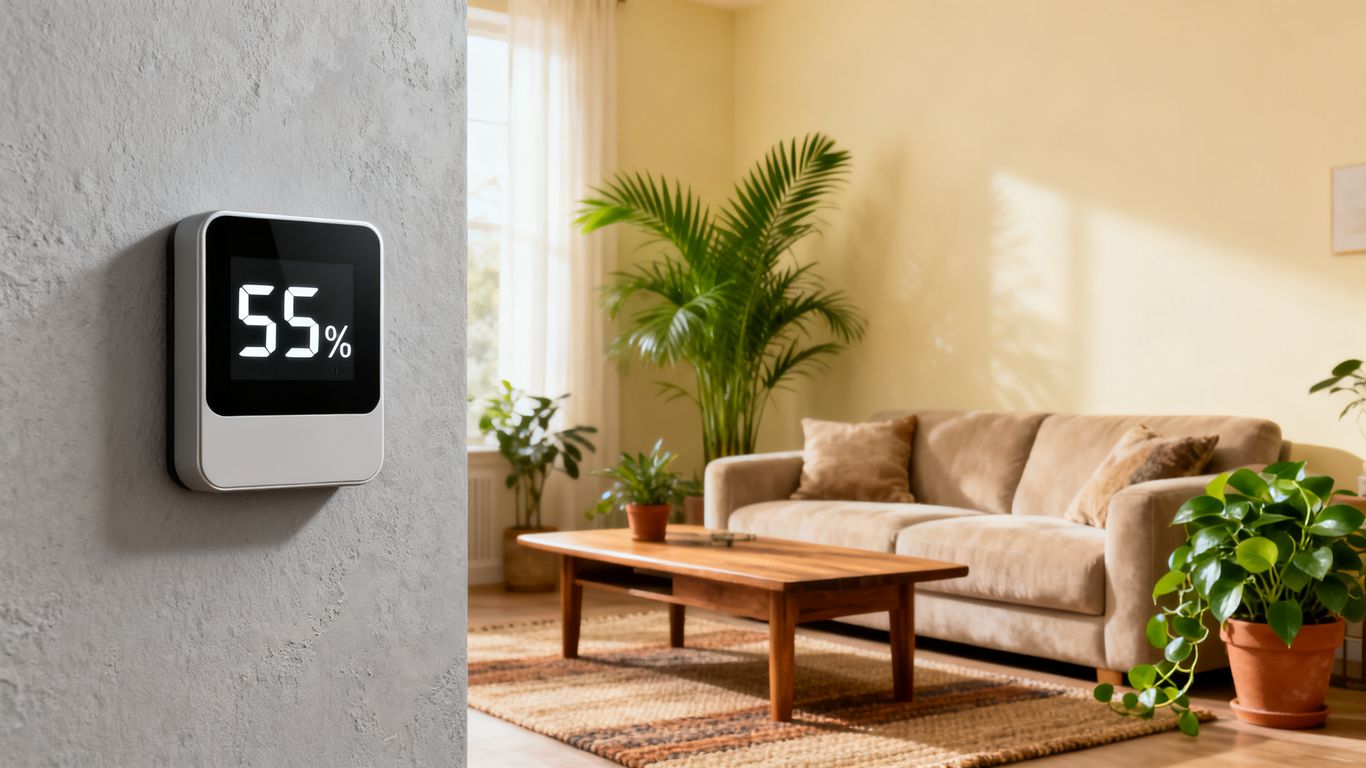
Identifying the ideal range for comfort
Targeting a range of 30% to 50% relative humidity keeps your home environment safe and pleasant. Falling below this range can irritate skin and respiratory passages, while climbing consistently above 55% creates a sanctuary for mold and dust mites.
Adjusting settings based on the season
During the monsoon or rainy months, you may need to increase the sensitivity of your moisture collection to compensate for the higher intake of damp outdoor air. In drier months, you can scale back usage, allowing the machine to cycle off more frequently and conserving energy without compromising your indoor air quality.
Using the auto-humidistat feature
Many high-quality units, such as the Aerofy DualCore 20, include smart sensors that adjust output based on real-time environmental data. Choosing an automated mode ensures that the compressor operates only when necessary, preventing unnecessary power drain while keeping your home at a consistent, health-conscious moisture level.
Measuring humidity in different rooms
Different areas of your home possess distinct humidity profiles owing to their proximity to bathrooms or basements. Periodically move your testing device to verify that these low-air-flow zones are staying within the safe threshold recommended for moisture control.
Choosing the best location in your home
Proper clearance and airflow requirements
Your dehumidifier acts as a vacuum for excess vapor, but it requires breathing room to function properly. Place the unit at least 30 centimeters away from surrounding furniture or walls to avoid starving the intake vents. This clearance is vital for internalcomponents like the rotary compressor to function as intended by the manufacturer.
Avoiding obstructed high-traffic areas
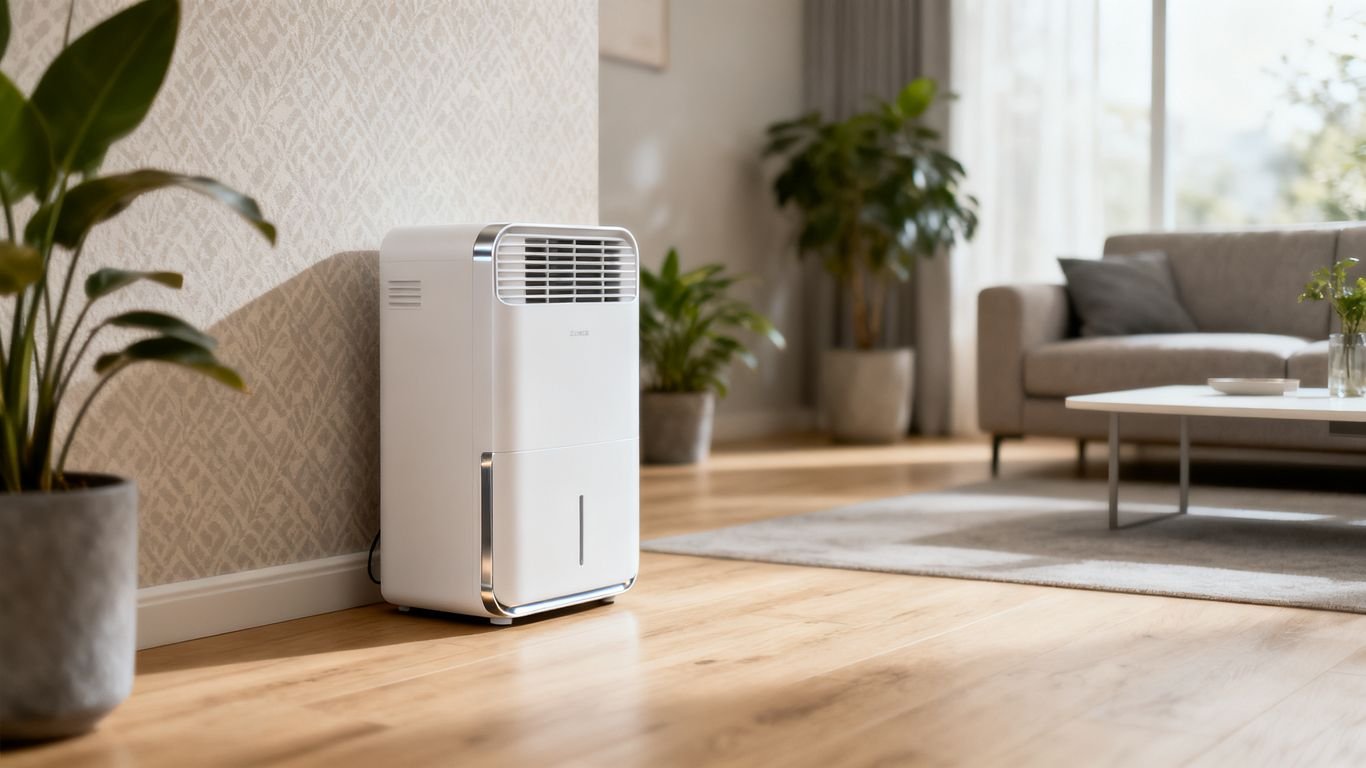
While you want the unit in a place where it reaches the maximum volume of air, you should avoid placing it in walkways where it becomes a tripping hazard. Position it slightly back from the direct path of human activity while remaining centrally located in an open plan room. A well-placed Aerofy DualCore 20 will cycle more air efficiently, drawing in more moisture per hour than one hidden in a cramped utility closet.
Placing units in high-moisture zones
If you deal with dampness in specific areas, such as a bathroom or a basement, prioritize those locations for your primary unit. These zones act as the main sources of humidity that propagate throughout the rest of your house. To visualize the layout of your home effectively for such utility installations, you might consult with a professional commercial photographer who can offer insight into spatial compositions, though simply trusting your intuition on airflow is usually sufficient for residential setups.
Ensuring stability on flat surfaces
Stability is the silent factor behind quiet operation, as vibrating units rattle and eventually damage internal seals. Every user should review the following check-list for proper placement:
- Position the unit on a firm, level floor surface like tile or hardwood.
- Keep it away from curtains or loose fabric that could be sucked into intake grilles.
- Maintain at least one meter of clear space in front of the exhaust port.
- Ensure it is not resting on uneven carpets that restrict airflow under the base.
Following these simple steps guarantees that your Aerofy DualCore 20 runs smoothly for years to come. Stable footing prevents the chassis from warping under its own weight as the collection bucket fills with water.
Operating and maintenance strategies
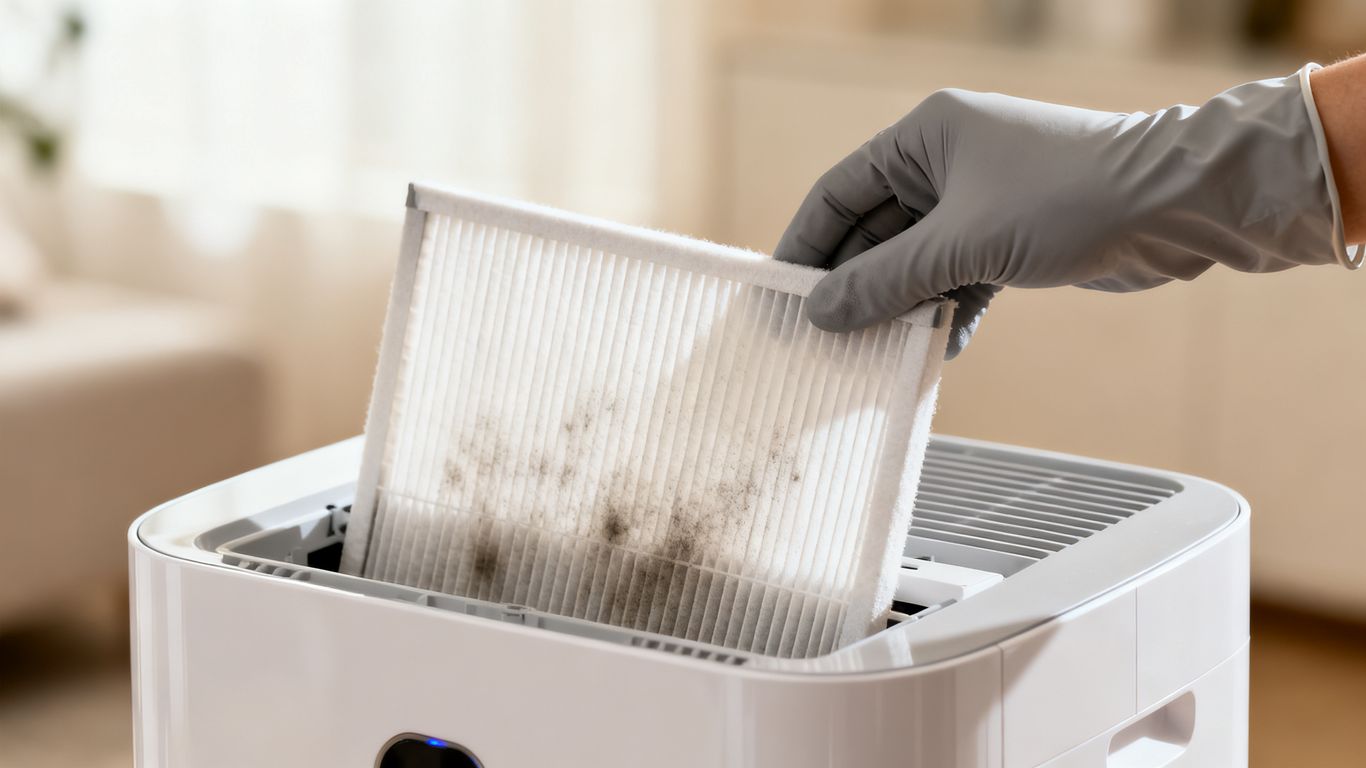
Cleaning the reusable air filter
Your unit relies on a constant stream of air to effectively collect moisture. Over time, that stream carries dust and particulates that clog your filter. You ought to verify that your filter remains clear by cleaning it every two weeks to guarantee the HEPA filtration features work as advertised. Keeping the air path clear improves energy efficiency significantly.
Emptying the bucket versus continuous drainage
Effective management depends on how you handle the water collected. You can monitor progress through daily manual emptying or switch to automatic setups for long-term comfort. The provided table offers a comparison of these common management behaviors.
| Management Style | Pros | Best For |
|---|---|---|
| Manual Tank Emptying | Simple, requires no extra parts | Occasional, light moisture loads |
| Continuous Drain Hose | Set-and-forget convenience | Basements, humid storage rooms |
| Automatic Pump Kit | Removes water to distant drains | Spaces lacking floor-level accessibility |
Properly managing this discharge ensures your floor stays dry and your unit keeps running without interruption.
Managing energy consumption patterns
Most units are built with R290 refrigerant to harmonize efficiency and speed of operation. You can save on utility costs by setting a humidity target that works with the current temperature rather than fighting against it. Running the unit on a moderate cycle throughout the day is generally more power-efficient than blasting it at maximum settings for a short, aggressive duration.
Best practices for seasonal storage
When the long-term weather shift brings drier air, store your machine properly to extend its lifespan. Clean the internal coils, empty the tank completely, and let the device run in fan-only mode for an hour before storage to ensure complete internal dryness. Wrap the power cord neatly to prevent kinks before placing the unit in a cool, dust-free closet.
Avoiding common dehumidifier mistakes
Risks of poorly ventilated placement
Placing a machine in an enclosed space with no air return creates a micro-climate where the unit simply recirculates the same damp air. This wastes electricity and fails to address the moisture migration occurring in the rest of your residence.
Consequences of ignoring tank-full indicators
Every machine has a sensor that cuts off operation when the bucket reaches capacity to prevent overflow. Ignoring this signal allows humidity levels to climb rapidly back to their original state and puts unnecessary strain on the pump or overflow valves.
Neglecting routine internal coil maintenance
If the evaporator coils develop a coat of grime, the refrigerant cannot effectively lower the temperature of the incoming air. This leads to ice formation on the coils, which triggers a fail-safe shutdown to protect the rotary compressor from damage.
Running the unit during extreme outdoor temperatures
Using your machine when external temperatures drop below the manufacturer’s suggested operational range often leads to coil freezing. If the air is too cold, the unit cannot effectively condense water, causing performance to plummet while energy consumption remains high.
Troubleshooting performance issues
Why the unit is failing to collect water
Sometimes the unit seems to be running but fails to fill the tank, which is often caused by an incorrect target humidity setting. If you set the target level higher than the actual room humidity, the machine will naturally turn off its compressor to conserve power.
Handling unexpected noise and vibration
If you hear a persistent rattling sound, always check that the bucket is correctly aligned and the unit is truly flat on the floor. Loose components or uneven surfaces are the most frequent culprits, though it is usually easy to resolve by simply shifting the machine a few centimeters.
Interpreting error codes on the display
Modern interfaces often communicate issues through small alphanumeric codes to help users fix problems. Refer to your owner’s manual to translate these signals, as they typically represent specific sensor malfunctions or drainage status updates.
Recognizing when to call a professional for repair
If you notice burning smells, constant error codes that won’t reset, or a complete failure to draw power, it is time to contact authorized support. Attempting to repair electrical components internally can void your warranty and pose significant safety risks.
Scenario Time
You notice your room feels sticky and the window has light condensation. You realize the humidity is too high, so you power on your device, but nothing happens. After checking your manual, you adjust the humidistat setting down to 40%, and suddenly, the compressor kicks in, and the cooling process begins immediately.
Conclusion
Maintaining the correct humidity level in your home is a straightforward but powerful way to enhance your living environment, protect your valuables, and ensure respiratory health. By following these practical setup, placement, and maintenance strategies, you gain the confidence to manage your indoor climate effectively throughout the year. For residents seeking a more capable, tropical-engineered solution, browse our shop to find a unit perfectly suited for your specific moisture challenges.
Frequently Asked Questions
Can I run my dehumidifier all the time?
Yes, most modern units are designed to run continuously as long as you have a proper drainage setup, such as a continuous hose, to avoid needing to empty the tank manually.
Does high humidity affect my allergy symptoms?
Excessive moisture promotes the growth of mold and dust mites, which are major triggers for allergies and asthma; lowering your humidity helps mitigate these issues.
Why is the air coming out of my machine warm?
It is normal for dehumidifiers to blow warm air because the refrigeration cycle used to extract moisture generates heat as a natural, unavoidable byproduct.
Should I close windows while the unit is running?
Yes, keeping windows and doors closed prevents fresh, humid air from entering the space, allowing the machine to work more efficiently on the air already inside.
How do I know if my dehumidifier is too small?
If the unit runs constantly but never reaches your target humidity, or if you still notice condensation on walls, you likely need a model with a higher pint capacity for your room size.
Can I use a dehumidifier in the winter?
Yes, if you struggle with indoor dampness or window condensation during colder months, though ensure the room temperature is high enough for the compressor to operate without freezing the coils.
Where is the best place for a dehumidifier in a basement?
Placing it in the center or nearest to the area with the most visible dampness is best, provided there is enough space around the machine for proper airflow.